
On this page
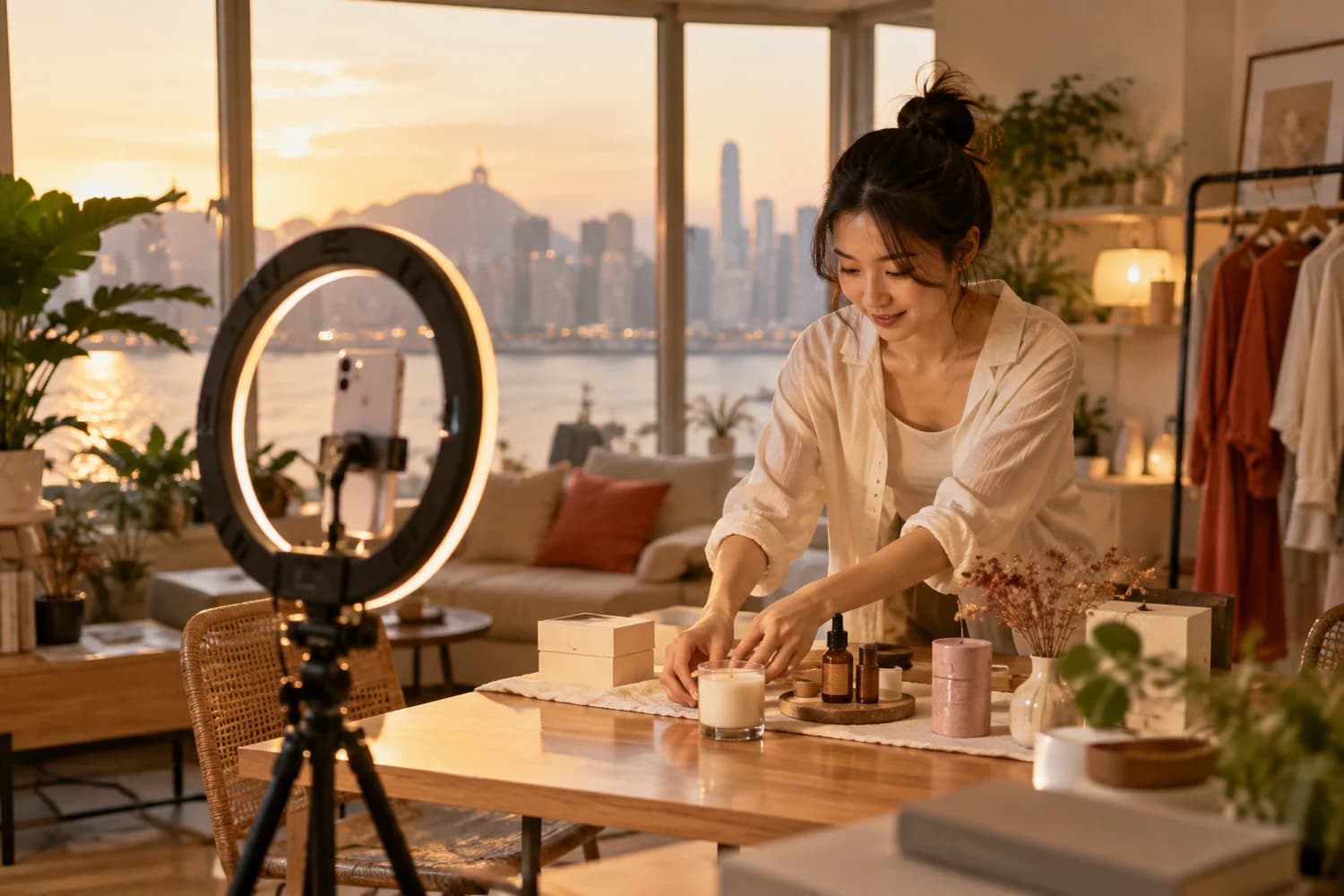
Choose a livestream studio by checking sound first, then lighting, internet and backup recording. A room that looks good for photos may still be risky for live video if the microphone setup, upload connection or cable route is uncertain.
What makes a room livestream-ready?
| Area | Must ask | Why it matters live |
|---|---|---|
| Audio | What microphone is supplied, and can guests bring their own? | Bad sound is hard to fix during a live session |
| Lighting | Can window light be controlled? Are lights dimmable? | Changing light can make faces or products inconsistent |
| Internet | Is wired internet available, or only Wi-Fi? | Upload instability can interrupt the stream |
| Backup | Can you record locally while streaming? | A recording protects highlights and reposts if the stream drops |
| Movement | Are cables, tripods and bags away from exits? | Safety and reset speed matter when guests move around |
Start your shortlist with Gatherland search, then compare rooms against the checklist rather than choosing only by decor. If several contributors need to split production costs, use the cost splitter before confirming the brief.
Audio and microphone compatibility
Ask whether the venue provides wired microphones, wireless microphones, a mixer, a USB audio interface or no audio equipment at all. If you bring your own kit, confirm where receivers, mixers and laptops can sit without blocking the host or guest.
OFCA information notes that wireless microphone arrangements differ by use type, with business wireless microphone use involving assigned bands, licensing and type-approved equipment. For planners, the practical question is: is the venue-supplied microphone intended for this use, and are guest-supplied wireless systems allowed?
Lighting, background and room noise
A livestream room needs stable light more than dramatic light. Ask whether curtains can block daylight, whether ceiling lights flicker on camera and whether there is enough room to place a key light without making the set look cramped.
For background, avoid relying on a narrow corner that only works from one angle. Check a seated frame, standing frame and product close-up frame. Listen for lift bells, corridor doors, neighbouring rooms, air-conditioning and street noise before the stream begins.
Internet and backup plan
Do not treat "Wi-Fi included" as the whole answer. Ask whether wired internet is available, where the router is and whether other guests share the connection. If the stream is important, plan a backup: local camera recording, a second laptop logged into the platform, spare batteries, spare cables and a short holding slide or message.
Hypothetical worked example
Hypothetical: a creator books a 3-hour studio slot for a 60-minute product livestream. The team arrives 45 minutes before going live.
The first 15 minutes are for unpacking and checking exits remain clear. The next 15 minutes test microphone gain, internet upload and lighting. The final 15 minutes record a private 30-second sample, watch it back and confirm the backup recording is running. After the live session, the team keeps 20 minutes for saving files and packing cables.
Studio-use checklist
- Confirm what audio gear is included and what connectors it uses.
- Ask whether guest microphones, tripods and lights are allowed.
- Test lighting in the same camera angle used for the live session.
- Keep cables taped or routed away from walkways and exits.
- Record locally even when the stream platform records in the cloud.
- Build in arrival, testing and pack-down time.
The right livestream studio is not necessarily the most cinematic room. It is the room where the host can be heard, the image stays stable, the internet plan is known and the team has a recoverable recording if the live feed misbehaves.
Found this useful?
Send it to the friends you're planning with.