
On this page
For a film night, choose a room where everyone can see the whole image comfortably from the seats they will actually use. Check the screen wall, projector position, seating plan, light control and connection path together. A projector in a feature list does not show whether the planned group layout will work.
Start with the image and the seats
Ask where the image appears and whether that wall remains clear when the room is set up for your group. Look for furniture, decorations or a doorway that might interrupt the picture. Sit where the outermost guests would sit, not only in the centre. Can they see the whole screen without another person's head or a table blocking the lower edge? If the answer depends on moving furniture, ask whether that move is permitted and who resets the room afterwards.
Projector placement also affects image size. Epson's positioning guide explains that image size and projector position depend on room configuration and the distance between projector and screen. Ask the host what image size the installed setup actually produces. Avoid assuming that a portable projector can simply be moved closer or farther away while keeping the same result.
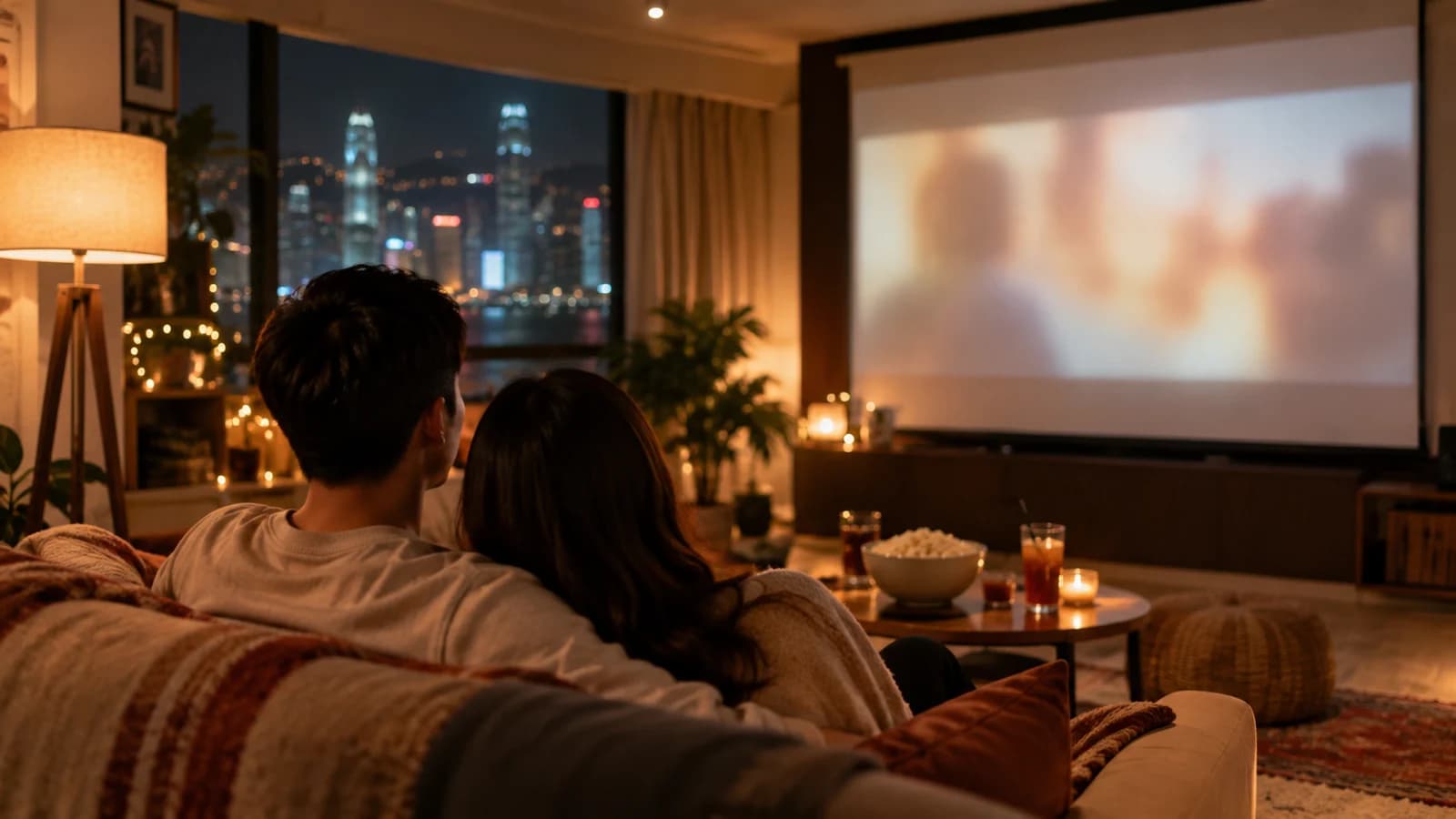
Hypothetical room sketch
Hypothetical example: this describes a possible arrangement, not an advertised venue or a tested capacity.
| Zone | Proposed arrangement | Check on site |
|---|---|---|
| Front wall | Clear projection surface | Is the whole image visible with the room lights set for viewing? |
| Middle | Existing projector position and unobstructed image path | Would guests walking or standing cross the projected image? |
| Seating | Chairs or sofas facing the front wall | Can guests at the sides and back see the whole frame? |
| Device point | Playback device near a usable connection | Can the device connect without a cable crossing a walking route? |
| Exit route | Clear route from seats to the door | Can people leave without moving the projector or blocking others' view? |
This table helps you request a floor plan or a short walkthrough. It does not set a universal room size or viewing distance: those depend on the installed equipment, image and seating.
What should you test before committing to a layout?
Confirm how much daylight can be blocked and whether room lights can be adjusted without making movement difficult. Ask what audio equipment is available and whether its level can be set appropriately for the space. Check which input the projector accepts, whether the host supplies a suitable cable or adaptor, and whether your playback device can output to it. Arrange a connection and sound test before guests settle into their seats.
If food and drinks are part of the evening, keep them away from the projector and connection point. Choose seats and tables that do not create shadows or force viewers to twist toward the image. Plan where guests will put belongings so the viewing and exit routes stay clear.
Questions to send the host
- Where is the image projected, and can you share a photo of the room in viewing mode?
- Is the projector fixed, and what image size does its current position produce?
- Which seats have an unobstructed view when our group is seated?
- Which connections and audio equipment are provided, and can we test our device?
- May we move seats or tables, and how must we leave the room?
Use those answers to compare candidates in venue search. Check the particular room rather than treating a projector filter as a seating plan.
Found this useful?
Send it to the friends you're planning with.