
On this page
Key takeaways
- The first photo decides whether guests click: the widest, brightest angle that shows what the venue is for.
- Shoot corner to corner, at chest height, with the camera level. A phone's main lens is enough.
- Order photos as a walk-through, and always include the toilet and the entrance.
- Each venue type has shots guests look for, such as the cyclorama in a photo studio or the drum kit and amps in a band room.
- Photos must match reality. If a venue is seriously not as described, guests can report it within 24 hours of the start.
Photos that book are bright, show the space, and match reality. Lead with the widest angle that shows what the venue is for, then order the rest the way a guest would walk through, including the toilet and the entrance. Do not exaggerate with extreme wide angles or editing: guests who find the venue not as described can report it to the platform.
Before you shoot
Light
- If you have windows, shoot in daylight with the curtains open.
- Without windows, turn every light on so one side is not dark.
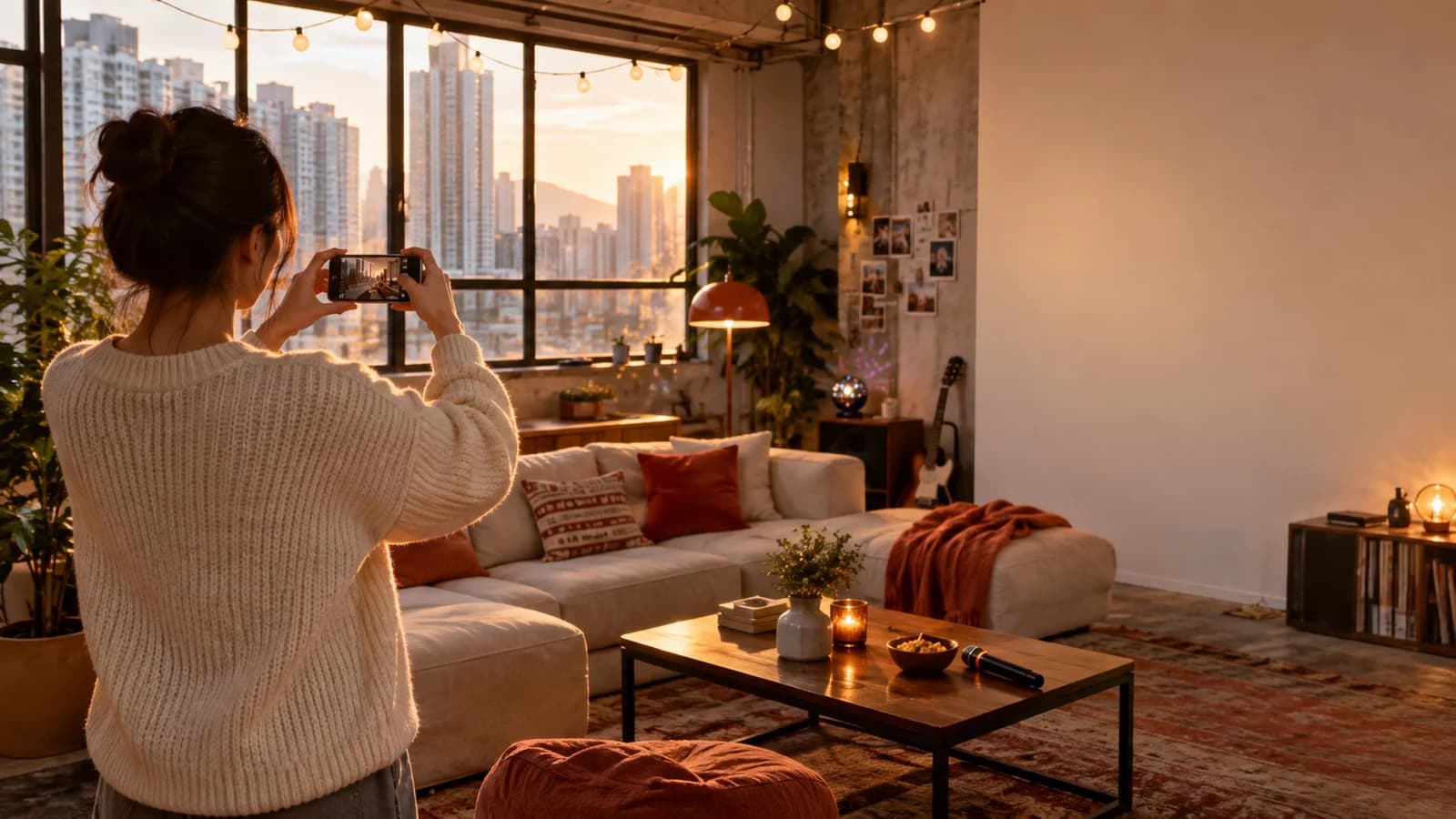
- Do not shoot straight into a window; backlight makes the room look dim. If you want the view in the frame, turn on your phone's HDR.
- Mixing light colours causes colour casts. Keep them consistent where you can, all warm or all white.
- If a party room has mood lighting, add one photo with it on, but use the brightest version as the lead photo.
Angles
- Shoot from a corner towards the opposite corner. It shows the most space.
- Hold the camera at chest height. Too high or too low distorts the room.
- Keep it level. Walls and door frames should be straight; turn on your phone's grid.
- Use the main lens. Avoid digital zoom, and do not go so wide that the edges bend.
- Shoot the lead photo in landscape. A horizontal frame fits more of the room.
Avoid
- Standing in the doorway, shooting one flat wall
- Holding the phone overhead and pointing down, or crouching and pointing up
- Shooting straight into a window so the room goes dark
- Mixing warm and white bulbs, so one side looks yellow and the other blue
- Digital zoom or ultra-wide lenses that bend the edges
- Cluttered tables and cables on the floor
Do instead
- Stand in a corner and shoot to the opposite corner, so three walls show
- Camera at chest height and level
- Keep the window behind you or to the side and use its light
- One light colour, every light on
- Main lens; step closer instead of zooming
- A clean frame with only what guests will use
Shot list: what to shoot, in what order
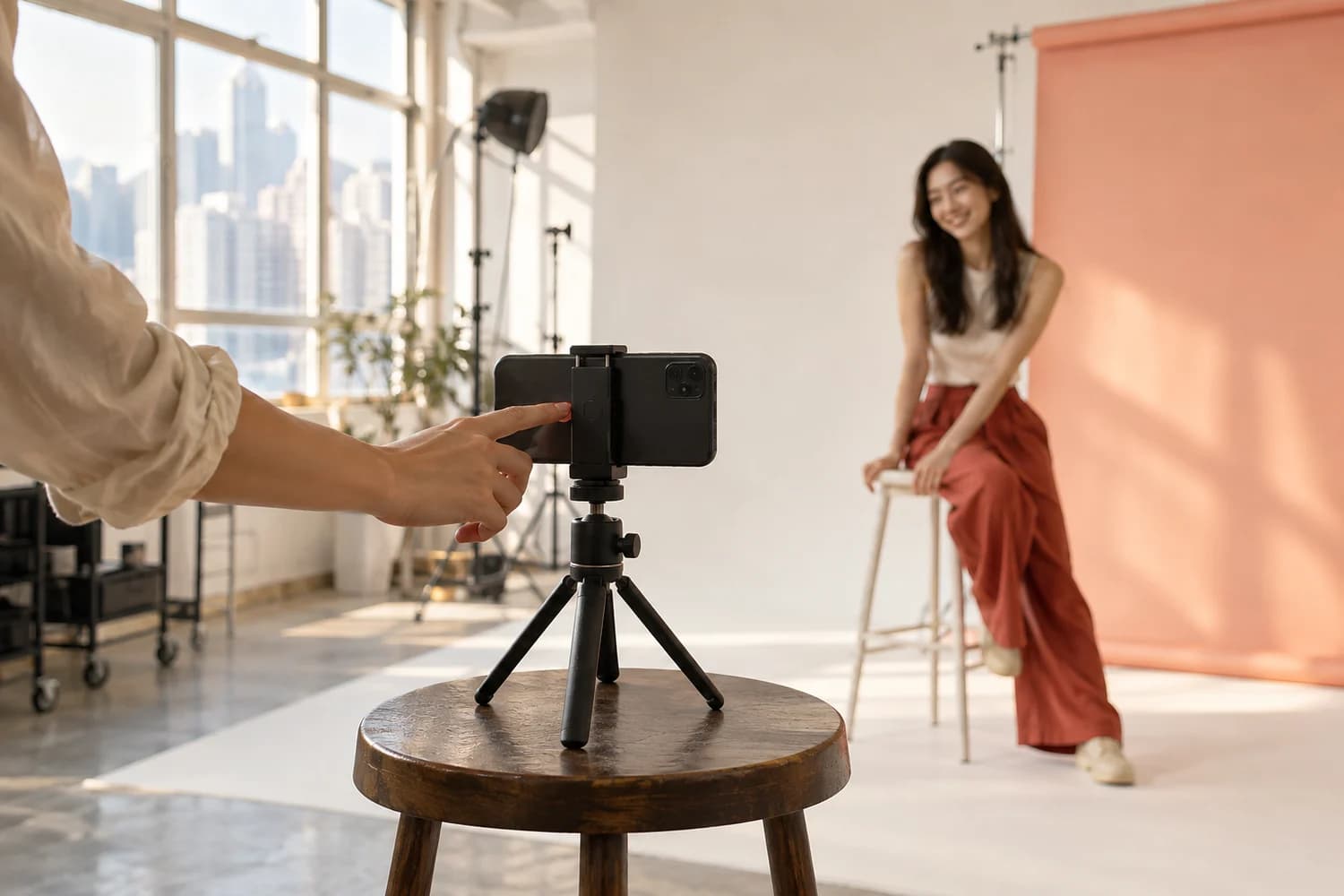
Guests usually start from the first photo. The order should feel like a walk-through:
- 1
Lead photo
The widest, brightest angle that shows what the venue is for. It is the photo guests see first in search, so it should show at a glance what kind of space it is and roughly how big.
- 2
Second wide shot
From another corner, to complete the sense of space and show what the lead photo leaves out.
- 3
Main features
Karaoke, mahjong tables, kitchen, lighting, mirror wall, drum kit. One photo per feature, showing the whole item and where it sits in the room.
- 4
Details
Consoles, board games, equipment models, tableware. Step closer so guests can read models and count quantities.
- 5
Toilet
Guests care whether it is private and clean, so show it, with the lights on and the room tidied like everywhere else.
- 6
Entrance and building
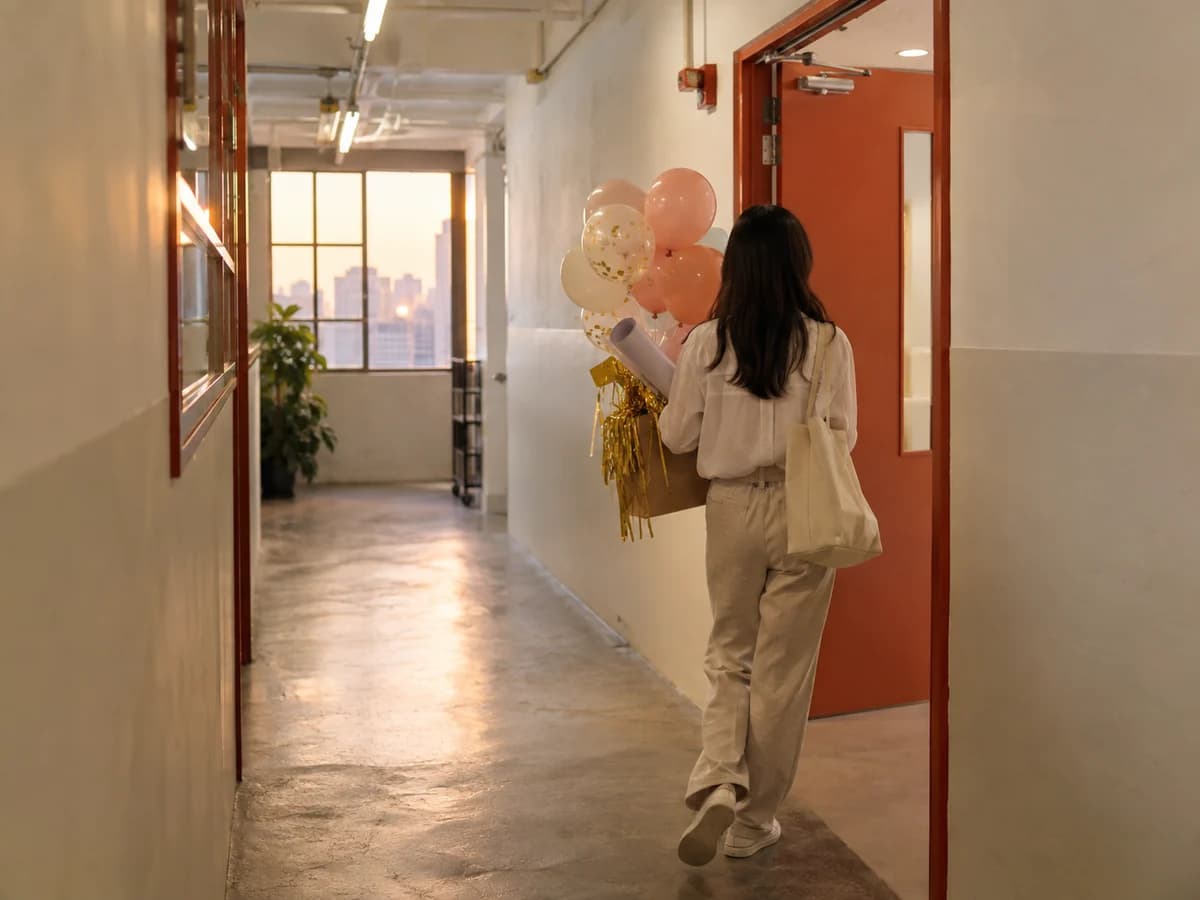
The building entrance, the lift lobby and the corridor to your door, so guests can find you on the day. Keep the unit number and any door code out of the frame.
There is no need for several near-identical photos of the same angle. Each photo should tell the guest one more thing.
Must-have shots by venue type
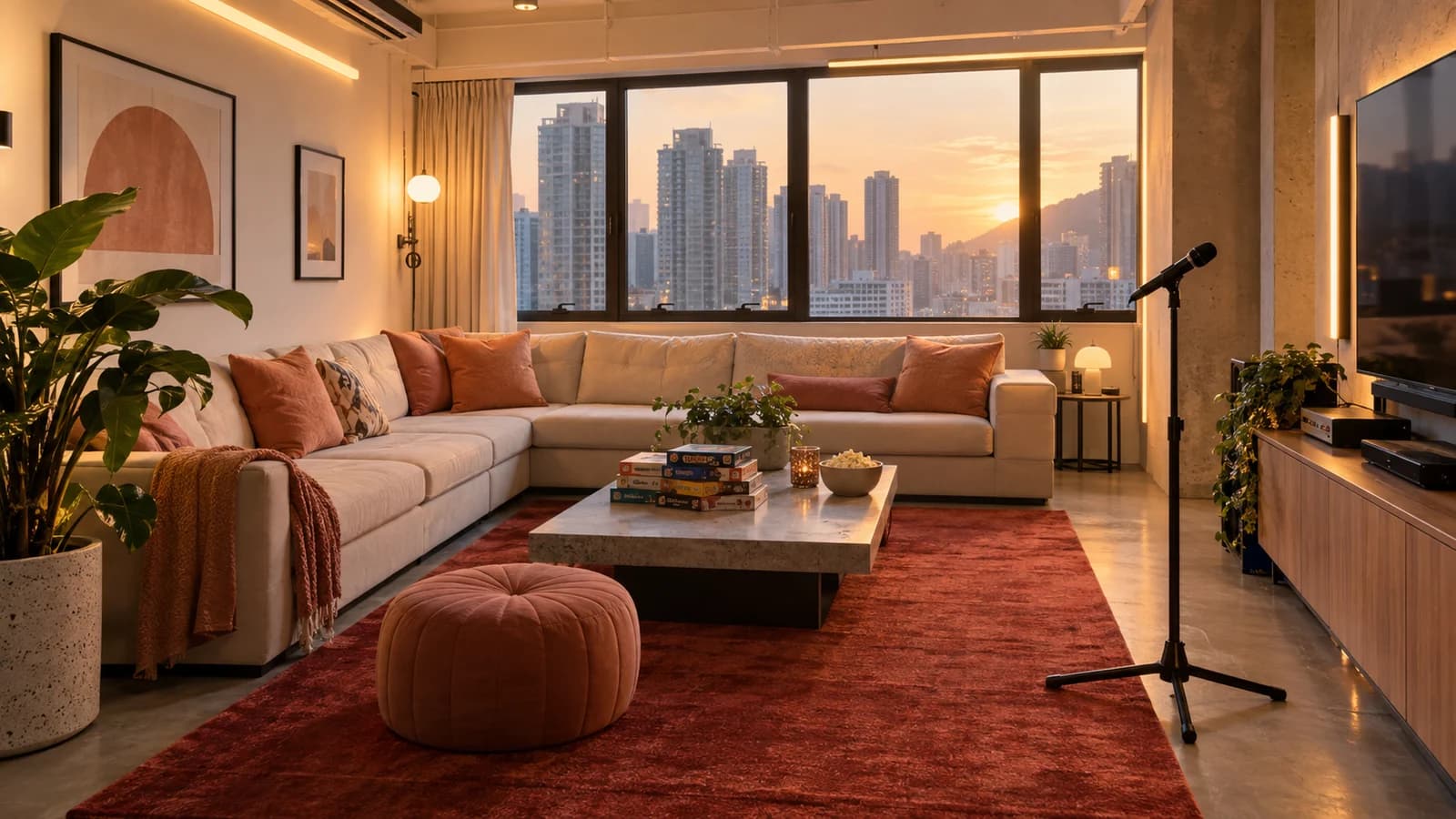
Guests in each category look for different things. As well as the lead photo, toilet and entrance, add these:
| Venue type | Must-have shots |
|---|---|
| Party room | Seating area, karaoke and microphones, consoles and controllers, board game shelf, BBQ grill, balcony or rooftop if you have them |
| Mahjong room | A set-up mahjong table (clean surface, chairs in place), the whole room showing how many tables, tea corner, lounge area |
| Photo studio | The full cyclorama, natural-light windows, lights and backdrop paper, make-up area, changing area, the route for bringing in equipment |
| Dance studio | The full mirror wall, a close-up of the floor, speakers, changing area, barre if you have one |
| Band room / music studio | The full drum kit, amps, keyboard, PA and microphones, acoustic treatment on the walls, recording equipment if you have it |
| Cooking studio | The worktops, hobs and oven, fridge, cookware and tableware, sinks, dining area |
| Meeting room | Table and chairs seen from the door, screen or projector, whiteboard, video-conferencing equipment |
| BBQ venue | The grill area, seating, shelter or shade, hand-washing point, the space lit up at night |
| Event space | One shot empty, one with tables and chairs set, stage or projection area, entrance and registration area |
If the space can be set up in different ways, such as classroom or boardroom style for a meeting room, photograph each layout so guests do not have to ask.
Why show the toilet and entrance?
- Whether the toilet is private and clean directly affects whether guests choose you.
- Entrance photos cut down on "we can't find it" messages and late arrivals.
- The exact floor and unit are shown only after confirmation, but photos of the building and entrance help guests recognise it.
Keeping it honest
Honest photos set honest expectations, and reviews follow. Guests can add photos to their reviews; the closer your photos are to theirs, the more your listing is trusted.
When to reshoot
- After new furniture, renovation, or adding or removing amenities.
- When photos are obviously seasonal, such as Christmas decorations still up.
- When guests keep asking about something the photos do not show. That is the missing photo.
Frequently asked questions
What should the first photo show?
The widest, brightest angle that best shows what the venue is for: the seating and main features of a party room, or the cyclorama of a photo studio. It is the photo guests see first in search, and it should tell them at a glance what kind of space it is and roughly how big.
Do I need photos of the toilet and entrance?
Yes. Guests care whether the toilet is private and clean, and entrance photos help them find you on the day, which means fewer late arrivals and questions. The exact floor and unit are shown only after confirmation, so keep the unit number out of the frame.
Can I use a wide-angle lens or edit the photos?
Adjusting brightness and colour is fine. Do not use distorting wide angles that make the room look much bigger, and do not edit out things that are really there. If a venue is seriously not as described, guests can report it within 24 hours of the start, and the platform may refund in part or in full.
Is a phone camera good enough?
Yes. What matters is good light, a level camera and a tidy frame. Use the main lens, avoid digital zoom, turn on the grid to keep lines straight, and wipe the lens before you start.
Found this useful?
Send it to the friends you're planning with.